Your menu or ordering link
PDF, website, or ordering platform, update it any time.
Put your menu link and your wifi password behind two QR codes on the same wi.fo page, so a table card or window sticker covers both.
PDF, website, or ordering platform, update it any time.
Up to 2 networks free, for guest and staff wifi.
For reservations, questions, or just staying in touch.
See whether the menu link is actually getting used.

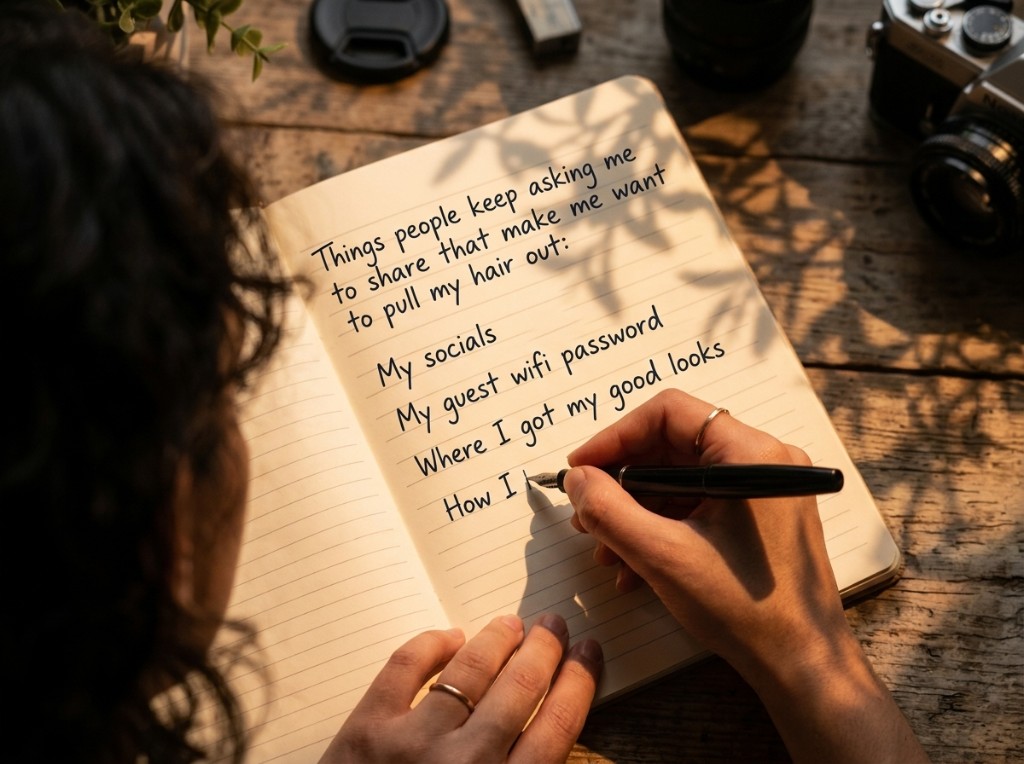
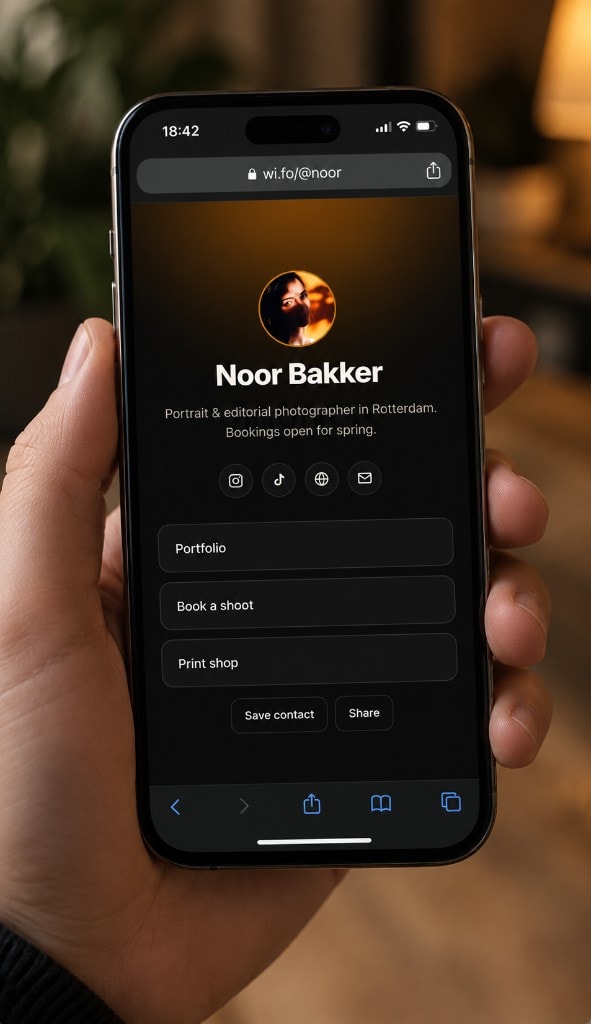
Most venues end up with two separate QR codes, one for the menu, one for the wifi, printed on two different cards. wi.fo/@yourcafe holds both, plus your social links and contact details if people want to find you again.
Print wi.fo/@yourcafe once, on a table tent or window sticker, and update what's behind it (a new menu, a seasonal link, a different wifi network) without reprinting anything.
Yes, any link works, a PDF, a website, or an ordering platform. Update it any time without reprinting your code.
Up to 2 free, useful if you run separate guest and staff networks. Pro removes the limit.
They scan wi.fo/@yourcafe once and see both the menu link and the wifi network on the same page, no need for two separate codes.
Yes, click analytics are included on every link, so you can see whether the menu link is actually getting used.
Yes, socials and any other links sit on the same page alongside the menu and wifi.
Set up your menu and wifi QR code in a few minutes.