One scan to join
Encodes your network name and password together, no typing required.
Add a wifi network to your wi.fo page and get a QR code that connects people the moment they scan it. No typos, no shouting the password across the room.
Encodes your network name and password together, no typing required.
Add more networks as your setup grows.
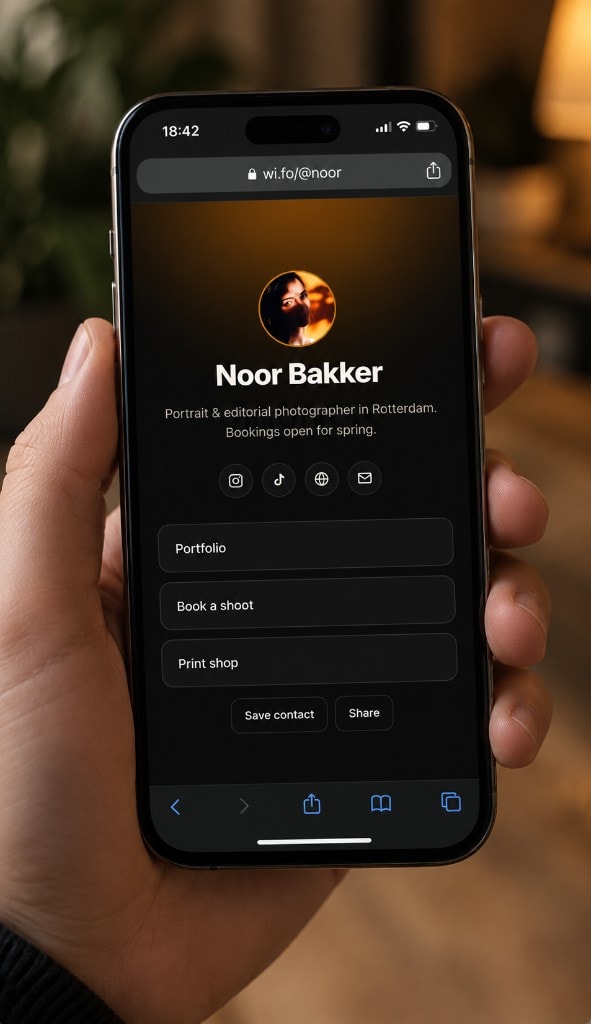
Sits alongside your links, socials, and vCard on the same wi.fo page.

Typing a long wifi password on a phone keyboard is friction nobody enjoys. A wi.fo wifi QR code encodes the network name and password together, so scanning it joins the network directly, no manual entry required.
Cafes and restaurants, on a table card or by the door
Short-term rentals and guest rooms
Offices and studios, for visitors
Events and pop-ups with a temporary network
It encodes your network name and password together. Scanning it with a phone camera prompts a Join Network confirmation, no typing required.
No. Modern iPhone and Android cameras read QR codes natively, just point the camera and tap the notification that appears.
Up to 2 networks on Free. Pro removes that limit entirely.
Yes. Download the QR code image from your dashboard and print it anywhere, a table card, a sticker, a framed sign.
Update the password in your wi.fo dashboard and the QR code updates immediately. No need to reprint unless you want to.
Add your first network free, up to 2 networks, unlimited on Pro.